
Guide · 21 November 2026 · 3 min read
What a KNX installation needs in a new build
KNX is planned with the electrical wiring, not after it. What to prepare in a new build: the bus cable, room in the panel, the power supply, the network link and the plan.

Plan it before the walls are closed
KNX runs on its own bus cable, laid next to the power cables. In a new build or a full renovation it costs little: it goes into the same conduits, at the same time. Added later, it means opening walls. The single most useful decision is to plan KNX together with the electrical plan.
1. The bus cable
The KNX bus is a dedicated cable, usually green, that runs from the panel to every place where there will be a push-button, a thermostat, a touch panel or a sensor. It can branch freely — as a line, a star or a tree — but it must not close into a ring.
A good habit: leave a bus cable in every room, even where nothing is planned yet. It is the cheapest way to keep the house open to change.
2. Room in the electrical panel
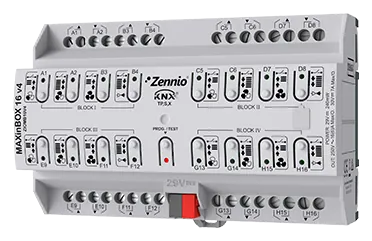
The actuators that switch the lights, sockets, shutters and heating sit on DIN rails in the panel, next to the breakers. A KNX panel is therefore bigger than a standard one: plan extra rows, or a separate KNX panel, from the start.
3. The bus power supply
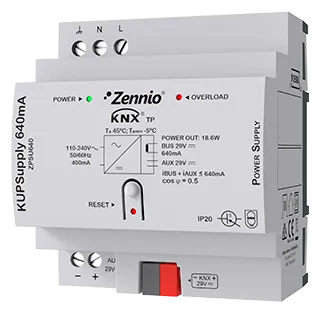
Each KNX line needs its own power supply, mounted in the panel. Its rating — 160, 320 or 640 mA — depends on how many devices the line carries; one line holds up to 64 devices.
4. The link to the network
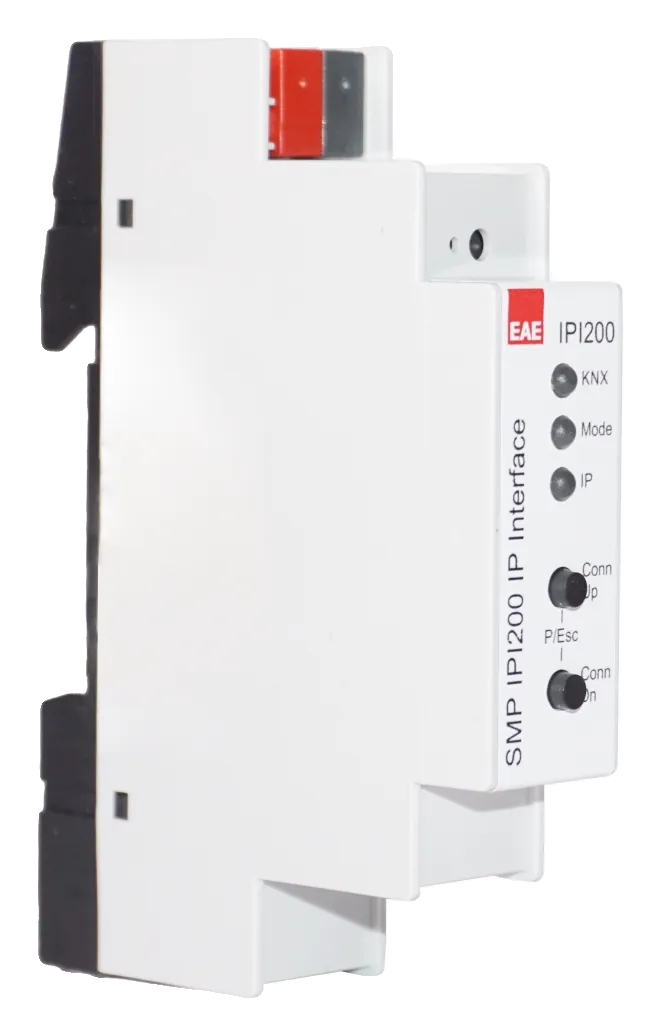
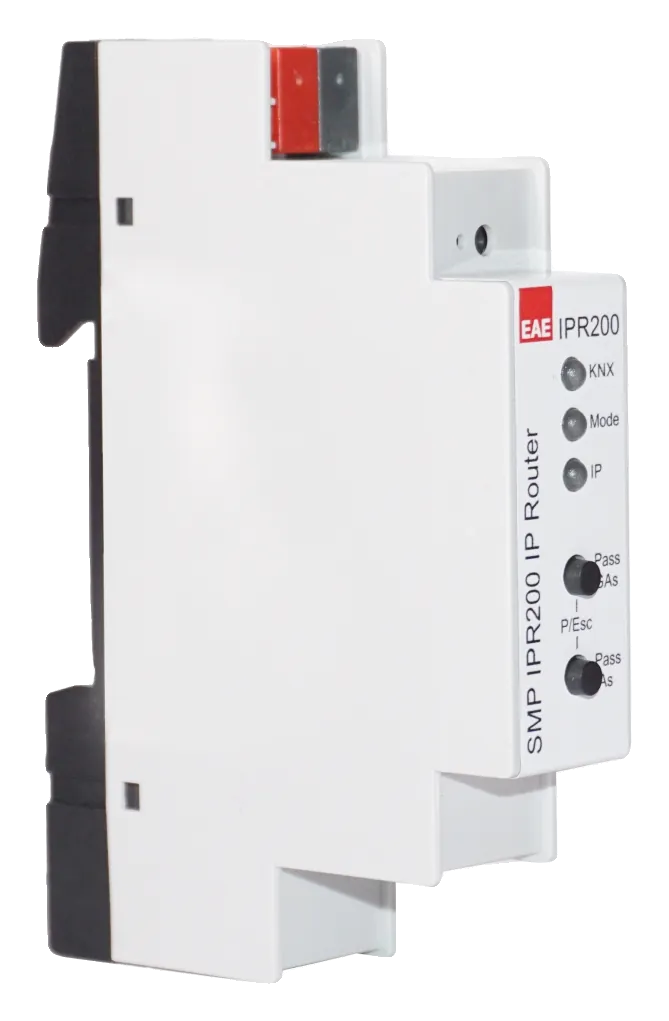
An IP interface or an IP router connects the KNX bus to the home network. It is used to program the installation, to connect an app or a home server, and to reach the house from outside. Plan a network cable from the router to the KNX panel.
5. The control points
- Push-buttons by the doors, for lights, shutters and scenes.
- A thermostat or room sensor in each climate zone.
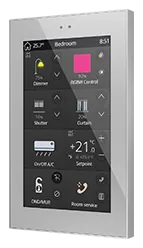
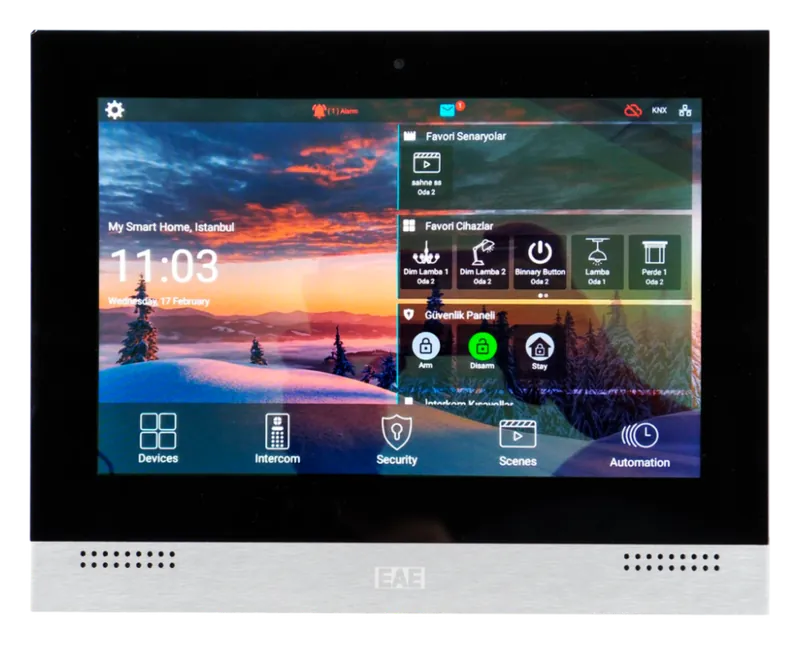
- A touch panel in the main living area, to see and control the whole house.
- Optional: presence sensors in corridors and bathrooms.
6. The plan and the programming
Before work starts, the integrator writes down what each room needs: circuits, shutters, climate zones, scenes. Once the electrician has finished, the installation is programmed with ETS, the KNX configuration software. Keep the ETS project file: it is the key to changing the installation later, with any certified integrator.
Products in this article

Free consultation
Need a Custom Solution?
Our team of experts is ready to design a tailored smart home or commercial solution that perfectly fits your needs and budget.