
Problems & solutions · 21 November 2026 · 3 min read
Local or cloud: what happens to your Wi‑Fi devices when the internet goes down
Two Wi‑Fi switches can look identical and behave very differently when the internet drops. How to tell local devices from cloud-dependent ones, and how to choose.
Same Wi‑Fi, two different paths
Every Wi‑Fi device joins your home router. What differs is where the decisions are made. A local device takes the order from the app, the wall switch or a schedule inside the house, and acts on it straight away. A cloud device first sends everything to its maker's server, and waits for the answer to come back.
When everything works, you cannot tell the difference. It shows the day the internet, or the maker's server, goes down.
What stops when the internet is down
- Cloud devices: the app loses them, schedules may stop, voice control stops. Some keep working from the wall switch only.
- Local devices: the wall switch, schedules and automations keep running, and the app still works on the home Wi‑Fi.
- Both: control from outside the house needs the internet — that part is normal.
The longer-term risk
A cloud device depends on a company keeping its servers running and its app up to date. If the service changes its terms or closes, the device can lose features or stop working altogether. A local device keeps doing its job on your network, whatever happens to the maker's service.
What the cloud does well
- Setup is usually plug and play: power the device, scan a code in the app, and it is ready — no technical skills and little time needed.
- Control from outside the house works straight away, with no network settings to change at home.
- Updates, voice assistants and new features arrive through the maker's service, with nothing to do on your side.
For a few devices in a flat, or for anyone who wants results without a technical setup, a cloud device is a sensible choice. Local control matters more in a large installation, or where the house must keep working without the internet.
How to tell them apart before you buy
- Look for local control in the specifications: a built-in web page, a local API, or local protocols.
- Check that schedules and scenes run on the device itself, not in the cloud.
- Check that the wall switch still works when the module is offline.
- Look for Matter: Matter devices are controlled on the home network by design.
The Wi‑Fi modules in our catalogue
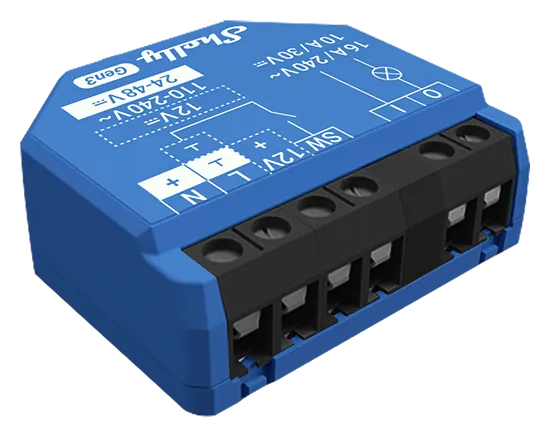
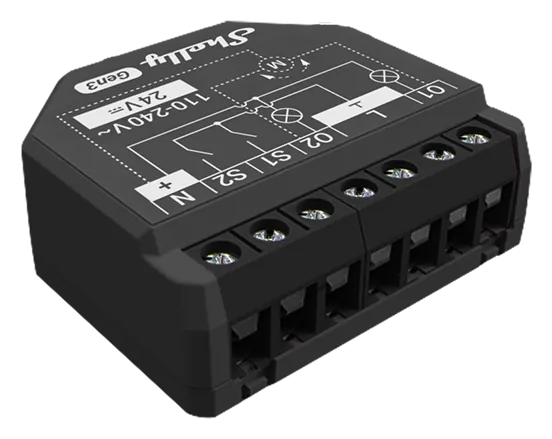
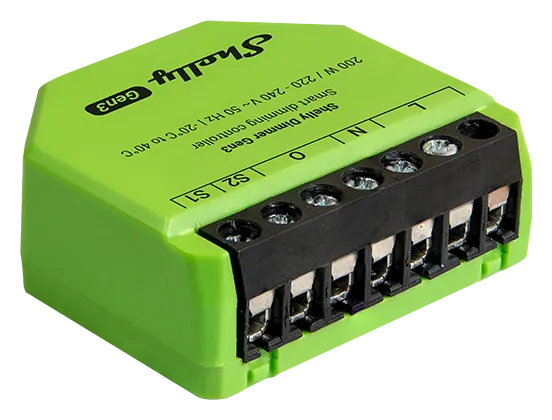
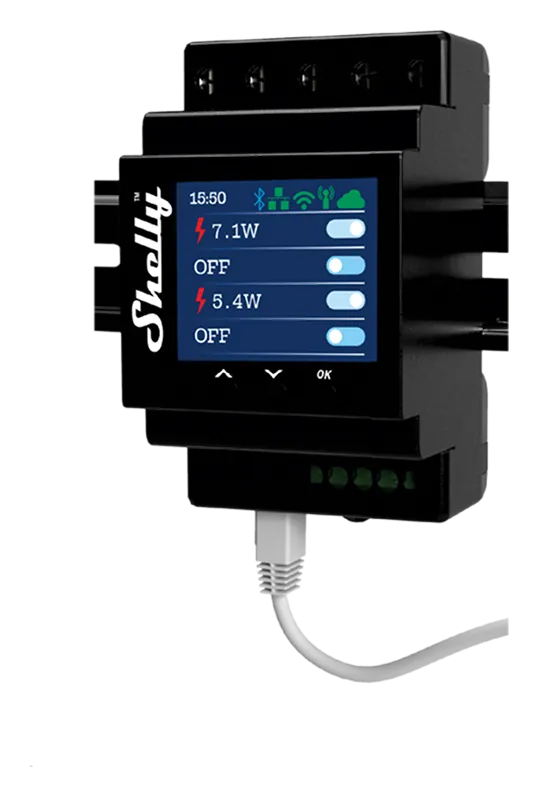
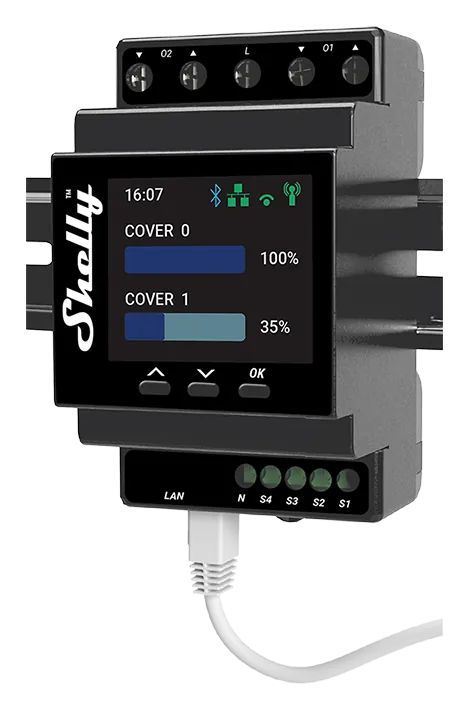
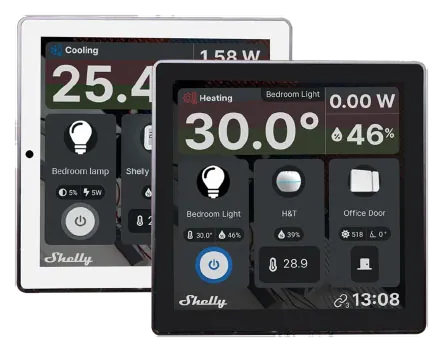
The Wi‑Fi modules we offer for lighting, shutters and power work locally: each one has its own web page, runs its schedules on board and keeps the wall switch working whatever the network does. The cloud stays an option for access from outside, not a condition for the house to work.
Products in this article
Free consultation
Need a Custom Solution?
Our team of experts is ready to design a tailored smart home or commercial solution that perfectly fits your needs and budget.